
Start with the thing people have
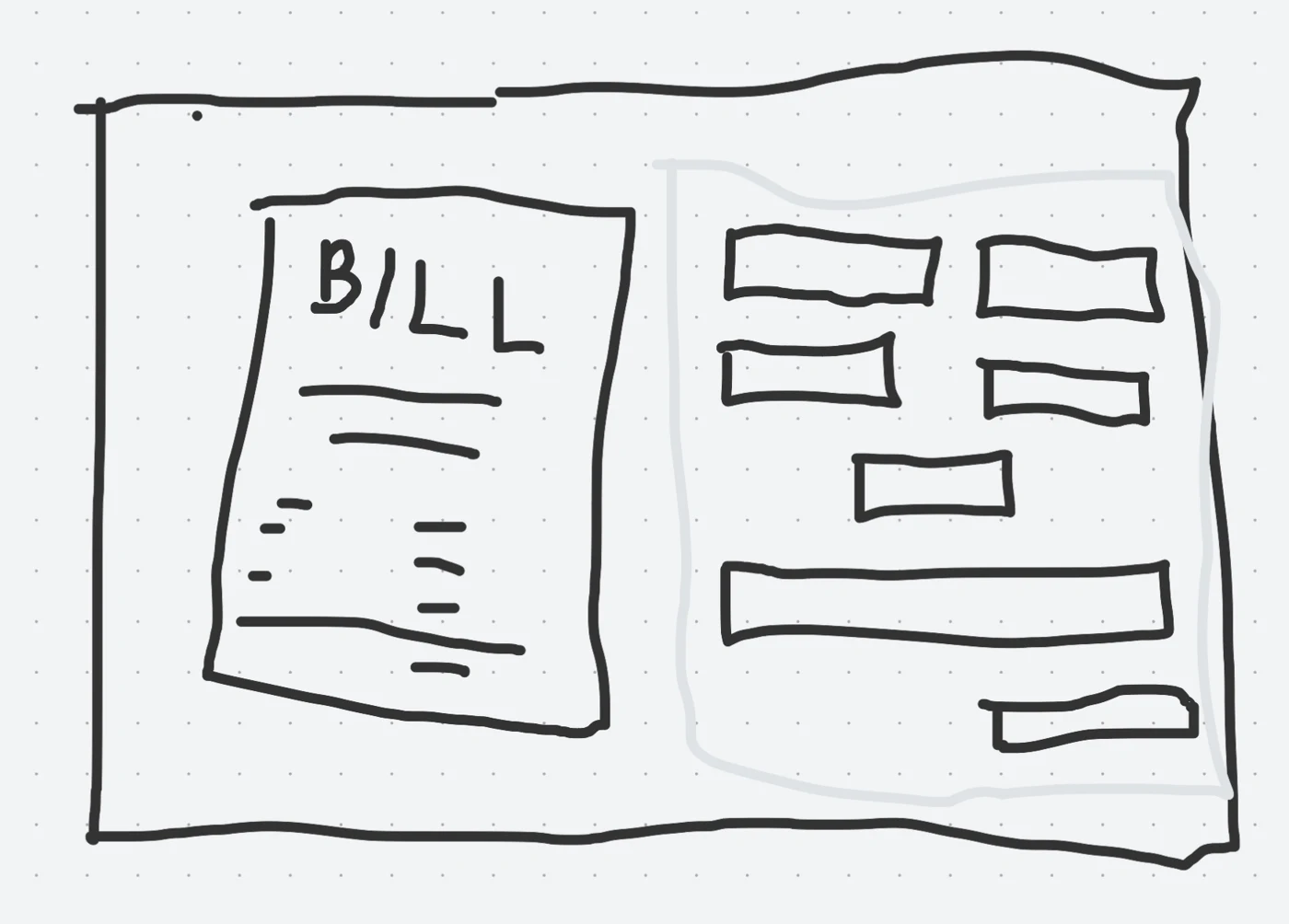
Clients arrive with a bill or receipt, not an accounting transaction ready to enter. An early form-first layout placed the source preview after the fields, which pushed it below the form on narrow screens. I changed the sequence to start with the document, then keep source and data together: side by side where there is room, source first when stacked. The same comparison model carries into review.
Separate explanation from accounting
Clients need to explain what a cost belongs to; reviewers need to decide how it is recorded. I separated those jobs. A client enters one Bill Total and divides it into Budget Allocations with Project/Event, budget, description, and amount. The reviewer adds accounting Category and Class to those allocations. The client’s explanation survives the handoff without making the client do the reviewer’s coding work.
Let feedback change the interface
Stakeholder reviews and screenshot critiques exposed unnecessary scanning: repeated bill metadata, nested allocation cards, and instructions preceding the actual coding task. I reduced that hierarchy to source rows with attached accounting tags. Later form work made deliberate Next and Submit actions reveal and focus the first editable error, while background draft saves leave typing uninterrupted. The design changes concern where attention goes, not just what the error says.
Keep approval and synchronization distinct
Submitting a request hands work to Second Line; it does not create a QuickBooks transaction. Company-scoped server checks protect records and documents, staff review precedes accounting writes, and synchronization has its own success and failure state. This keeps a failed handoff visible and recoverable without confusing workflow progress with payment.
A working sketch / July 2026
The document
comes first.
The sketch established the relationship: source on one side, entered details on the other. The implementation keeps that reading order when the two columns become one.
Try a small part of the workflow
One bill.
Two different jobs.
Clients explain the cost split. Reviewers add the accounting. Try balancing this example before handing it over.
Example only. No documents are uploaded and no accounting records are created.
01 / Client explains
Budget Allocations
02 / Reviewer classifies
The explanation comes with it.
The source amounts remain attached to the reviewer’s accounting choices.
03 / Accounting handoff
Ready for the next boundary.
The example is balanced and categorized. In the portal, an authorized server-side operation handles QuickBooks synchronization and records its result separately.
Approval is a workflow decision. A successful sync is an accounting result. Neither means a payment was made.
Behind the interaction
The browser isn’t
the permission boundary.
- Client workspace
Explain the request.
Company context, source documents, draft values and allocations.
- Second Line server + review
Authorize and review.
Company and role checks, private files, saved history and reviewer approval.
- QuickBooks Online
Record the result.
Server-only accounting writes. Separate sync status, errors and recovery.
Next.js / React · PostgreSQL / Prisma · Private document storage · Server-side QuickBooks integration